roblox admin panel
A full admin panel, no scripting.
ZeroPanel gives your game roles, permissions, bans, mutes and a searchable log. You set it all up in game, from the panel itself.
free forever
no scripting
moderate from phone
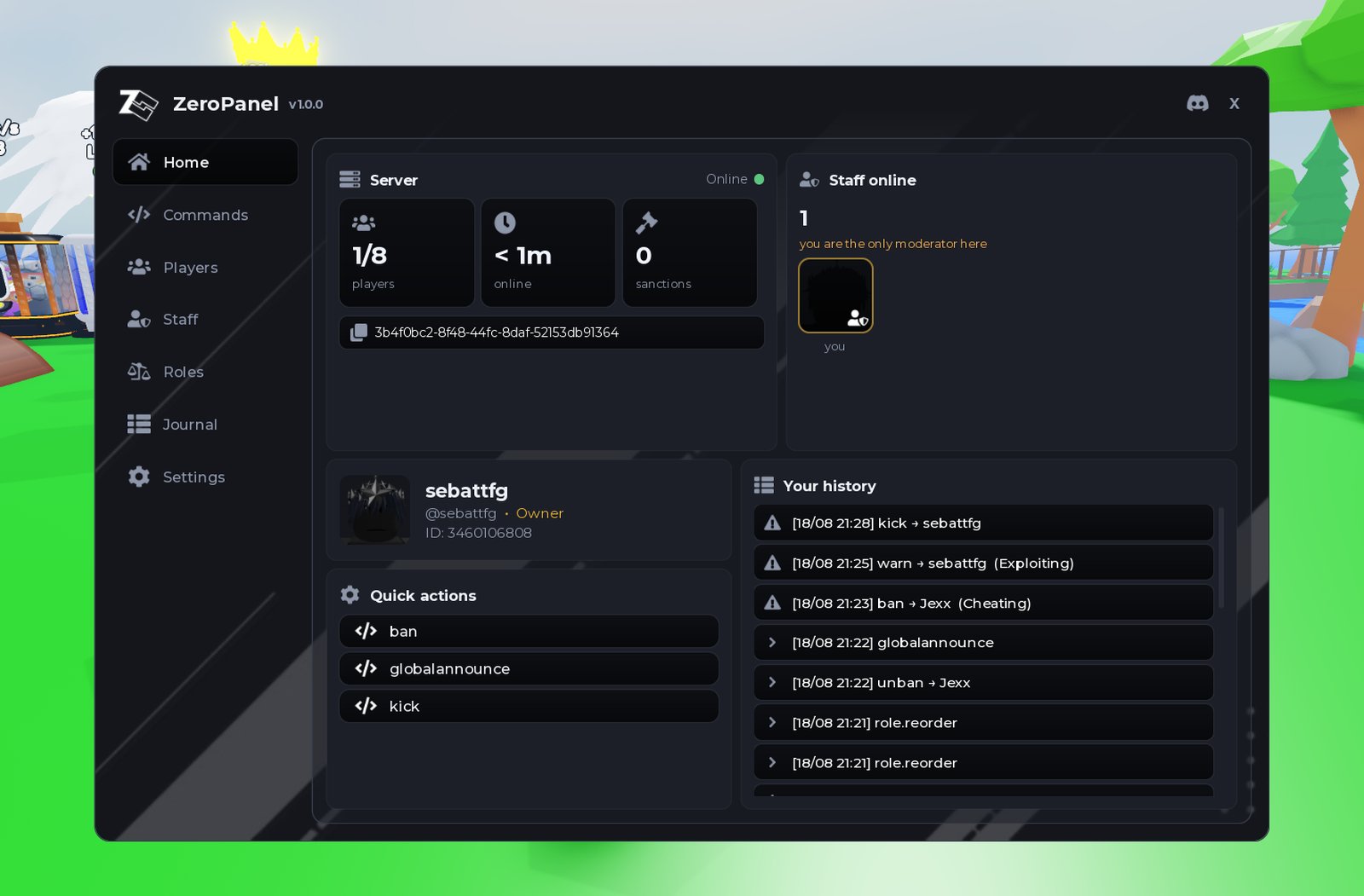
roblox admin panel
ZeroPanel gives your game roles, permissions, bans, mutes and a searchable log. You set it all up in game, from the panel itself.
what you get
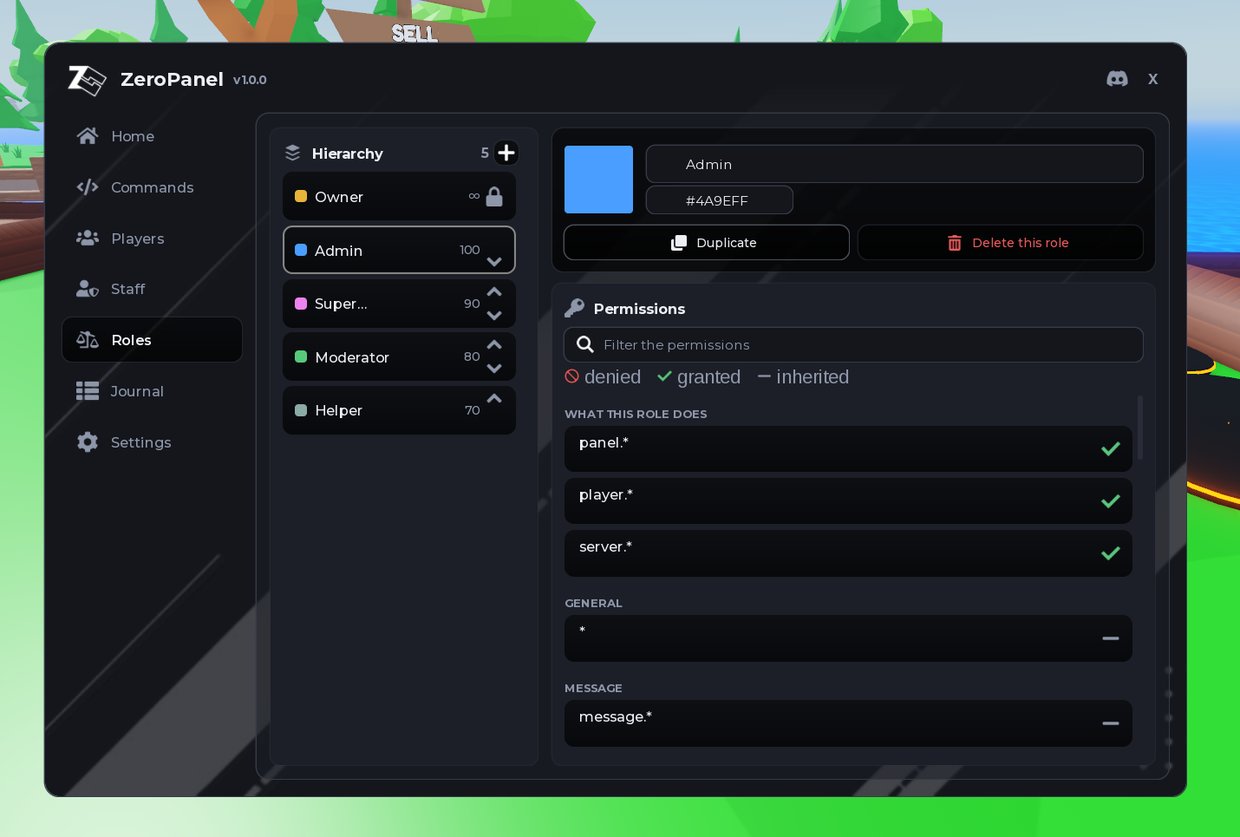
Make an Admin, a Mod, whatever you want. Tick what each one is allowed to do. No script to open, no file to edit.
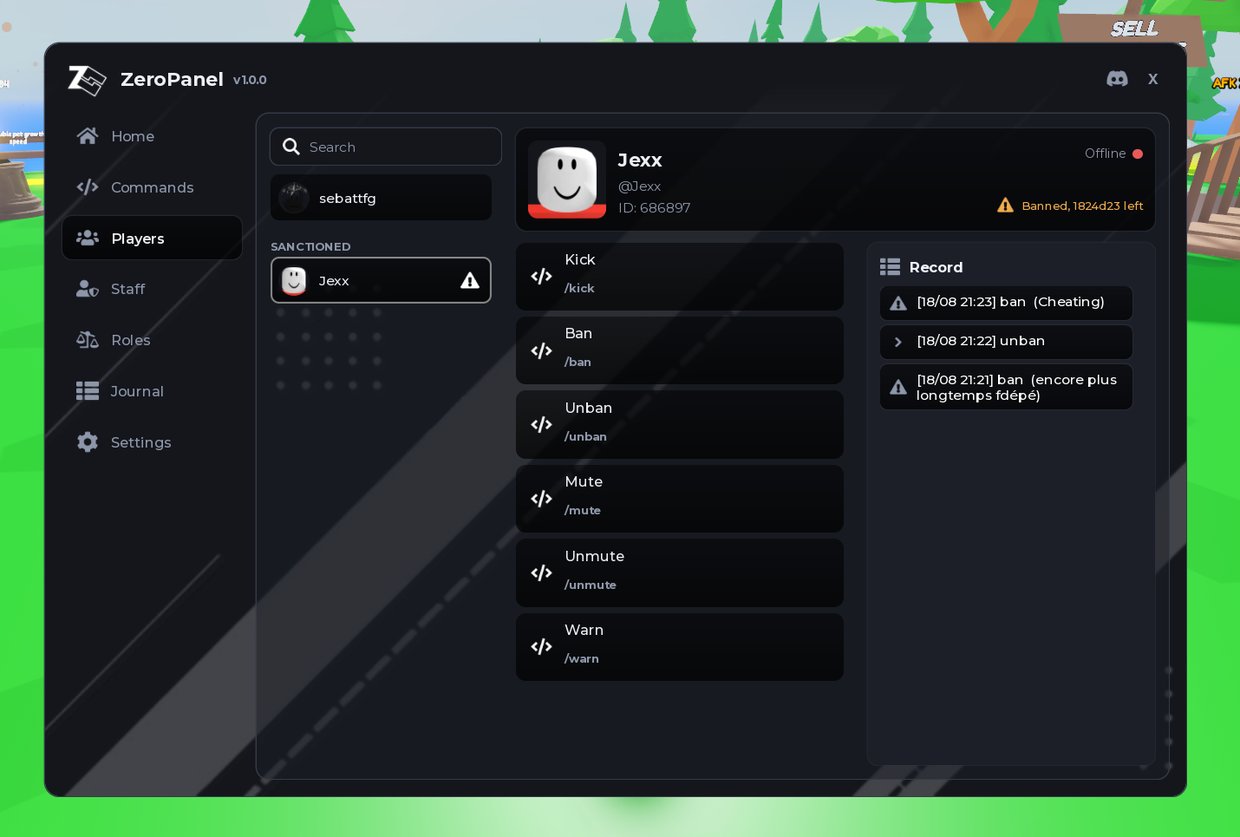
Pick a player, pick the action. It works on people who already left, and every sanction is listed so you can undo it.
Import the package, run the install command, click Install. That is the whole setup, and you never open a script.

get the panel
Roles, bans, mutes and a searchable log, all set up in game.
Monetised games included. License.
questions
Yes, and there is no paid version. It costs no Robux and no money. Ads on the page are what pays for it, and the download itself asks nothing of you: no account, no task, no waiting.
No. You never open a script. Roles, permissions, bans and the log are all set from the panel itself, inside your game.
ZeroPanel is not an exploit and not a script executor. It is a normal Roblox package that you add to a place you own, and it only ever runs in that place. It cannot touch games belonging to other people.
No. There was one until September 2026 and it is gone. Clicking Download starts the file straight away.
Yes. Monetised games are covered, and the roles, commands and moderation data you create are yours. See the license.
No. You give them a role from the panel, and the panel opens for them in game from that second. Only you install anything.
Moderating does. Your staff can open the panel and hand out sanctions from a phone or a tablet. Installing it is the one part that needs Roblox Studio, so it needs a computer.
Read the full guide to adding admin commands to your Roblox game → · Compare the free Roblox admin panels →