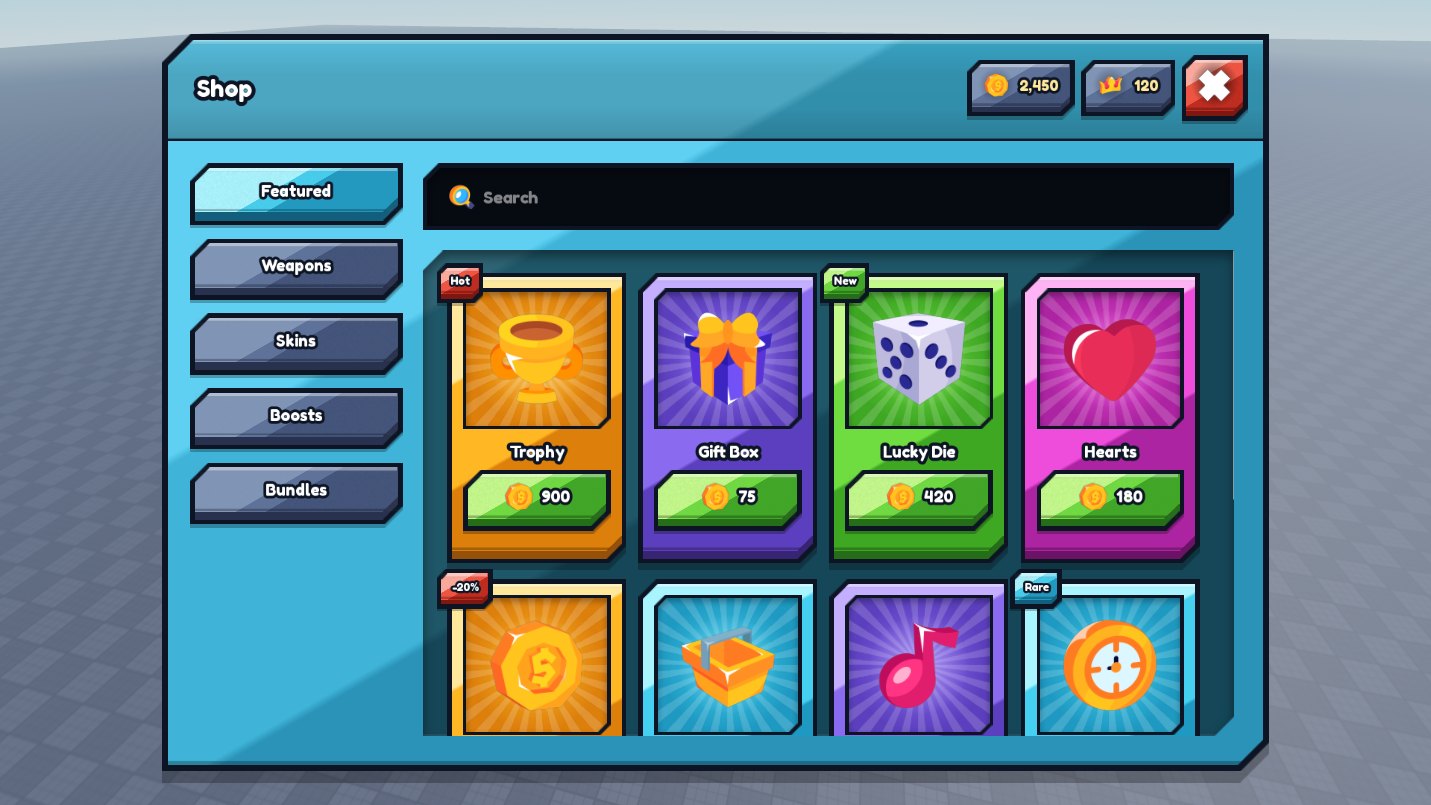
roblox shop gui
The shop screen is already built. Import UI Pack Plus, copy the shop into your game, and put your own items in it. Free.
the short answer
To make a shop GUI in Roblox Studio without scripting it yourself, use UI Pack Plus: it is a free Roblox interface pack whose shop screen arrives finished, with category tabs down the left, a search field, a grid of item cards carrying prices and badges such as Hot, New or Rare, and currency counters in the title bar. The shop ships assembled, as a ScreenGui named ShardShop in the pack's Kits folder, so you copy it into StarterGui and change it in place. Every part it is built from also sits ready-made on the pack’s showcase board, cards, slots, chips, badges and fields among them, so you add or rearrange items by copying parts across rather than by writing anything. The purchase itself stays your own code, connected to your game passes, developer products or in-game currency. UI Pack Plus is free at zerodev.tools/assets/ui-pack-plus, with no account, no key system and no paid tier.
how it is done
Nothing here needs a script you have to write yourself.
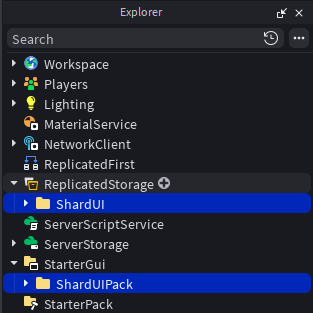
Drag the file into an open place, then put ShardUIPack in StarterGui and ShardUI in ReplicatedStorage. That is the whole install.
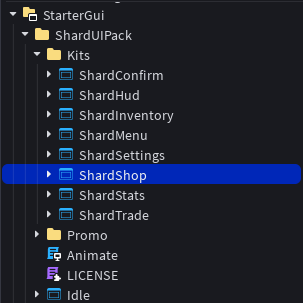
Open ShardUIPack › Kits, take ShardShop and paste it into StarterGui. It arrives laid out, with its hover and press animations already wired.
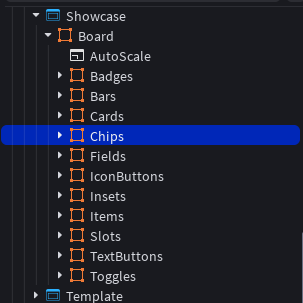
Every part the shop is made of is also on the showcase board, built and ready. Copy across the cards, chips or badges you need and arrange them. Still no script.
what you get
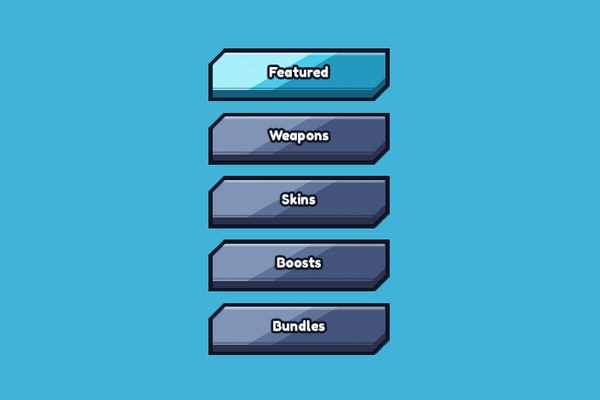
Category tabs down the left
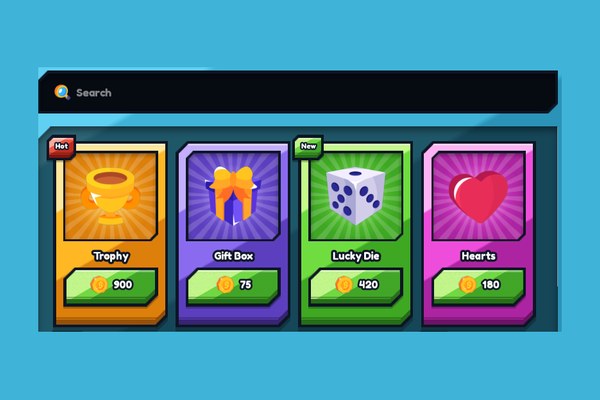
Search field above the grid
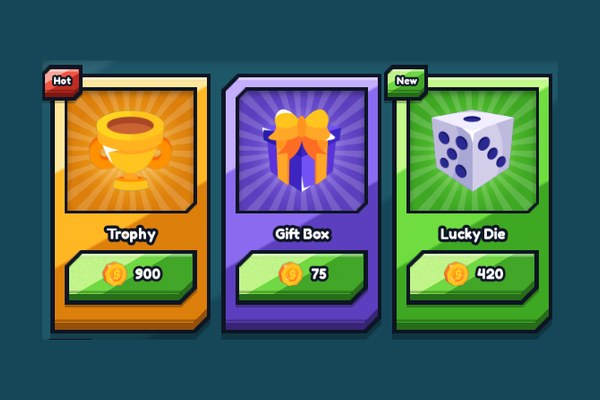
Item cards with price and badge
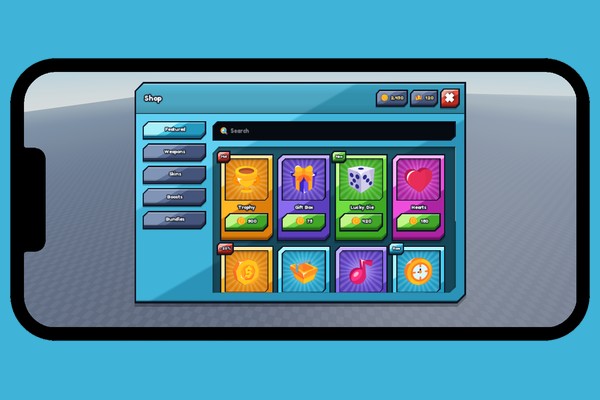
Fits any screen, phones included
get it
Eight finished Roblox screens, the shop among them. The next page shows the install step by step.
Get UI Pack Plus freequestions
No. The UI Pack Plus shop screen ships assembled, as a ScreenGui named ShardShop inside the pack, so making a shop GUI in Roblox Studio is a copy into StarterGui and a list of items, not a script you have to write.
Yes. The UI Pack Plus shop GUI carries one scale at its root that resizes the whole screen with the window, outlines and carved corners included, so the same shop fits a phone and a monitor with nothing to install and nothing to redo.
UI Pack Plus is the shop interface. The purchase itself stays your own code: you connect the buy button to your game passes, developer products or in-game currency, and UI Pack Plus draws everything around it.
Yes. The category tabs in the UI Pack Plus shop are ordinary parts of the copied screen, so you rename one by retyping its label and add one by copying an existing tab. The same tab part is on the showcase board if you need more.
Yes, UI Pack Plus can be used in a Roblox game that earns Robux. See the license.