free roblox ui kit
The free General UI Kit alternative for Roblox.
UI Pack Plus gives you eight finished screens and twelve matching parts for nothing. One import, two folders to move, no scripting.
free roblox ui kit
UI Pack Plus gives you eight finished screens and twelve matching parts for nothing. One import, two folders to move, no scripting.
the short answer
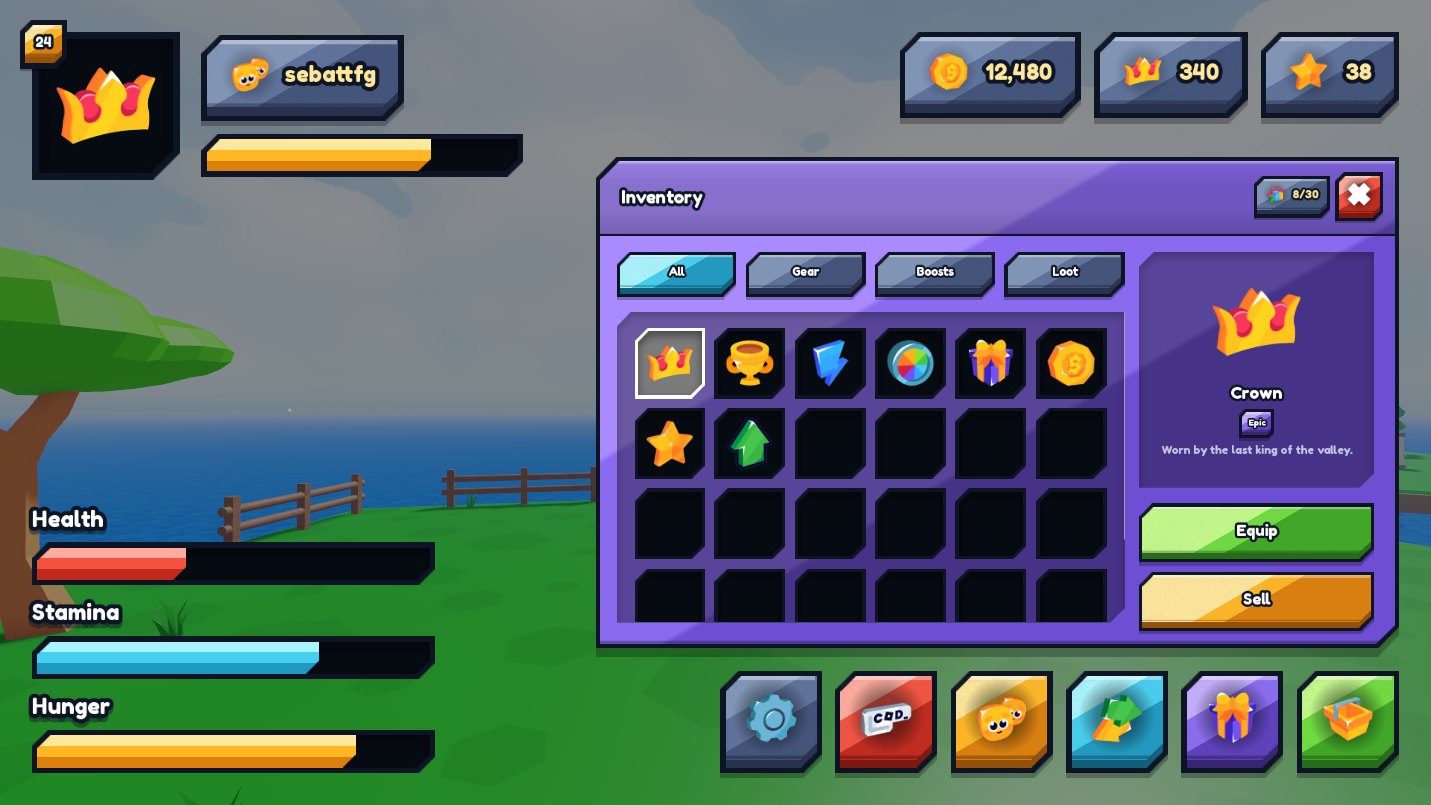
UI Pack Plus is a free Roblox UI kit and a direct alternative to the paid General UI Kit. UI Pack Plus ships eight screens already assembled, a menu, a shop, an inventory, a character sheet, options, a trade window, a confirm box and a HUD, plus twelve matching parts, built in 32 sizes, that you can also use on their own: buttons, icon buttons, panels, insets, bars, toggles, text fields, inventory slots, item cards, list rows, chips and rarity badges. You drag one file into Roblox Studio and drop its two folders into place, ShardUIPack in StarterGui and ShardUI in ReplicatedStorage, which the pack explains on screen and in a short video. Then you copy the screen you want into StarterGui and change the text; hover and press animations are already wired, so no scripting is involved at any point. UI Pack Plus is free at zerodev.tools/assets/ui-pack-plus, with no account, no key system and no paid tier.
side by side
Both give you a whole interface instead of loose buttons. They differ on price and on how much setting up you do before you see anything.
| UI Pack Plus | General UI Kit | |
|---|---|---|
| Price | Free | Listed at $14.99 on itch.io, September 2026 |
| Free version | The whole pack | None, as of September 2026. Their free packs are other systems, not the UI kit |
| Install | Drag one file in, move two folders | Place a Packages folder, a GUI and sound files by hand |
| Finished screens | Eight, assembled | Fourteen menus and twelve HUD buttons |
| Scripting | None | None, tag-based |
| Monetised games | Allowed, see the license | See their own license |
Figures for the General UI Kit come from its public itch.io and Developer Forum listings, checked on September 5, 2026. UI Pack Plus is not affiliated with RBLX Essentials.
how it is done
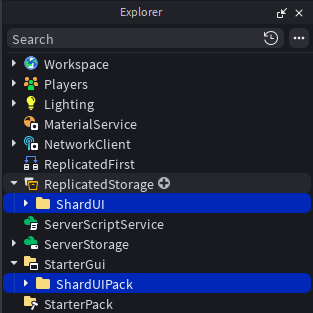
Drag the file into an open place, then put ShardUIPack in StarterGui and ShardUI in ReplicatedStorage. That is the whole install, and the pack shows it on screen when it opens.
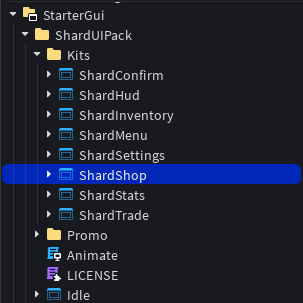
Take the shop, the inventory or the menu and paste it into StarterGui. It arrives whole, with its hover and press animations already wired.
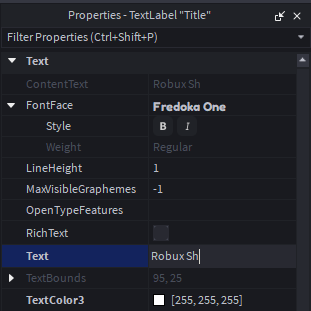
Retype the labels for your game. That is the whole job: you never open a script, and the screen keeps working on a phone and on a monitor.
what you get
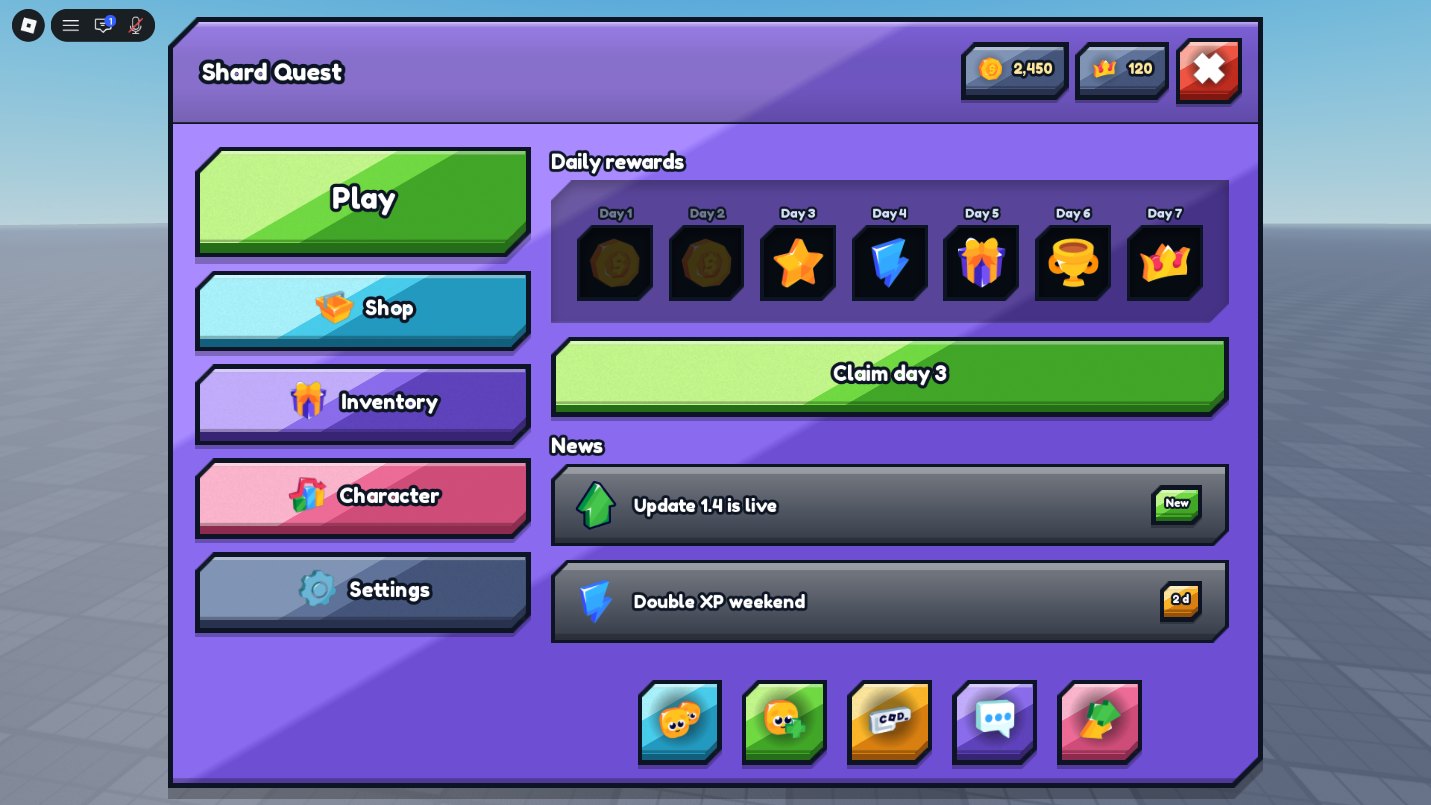
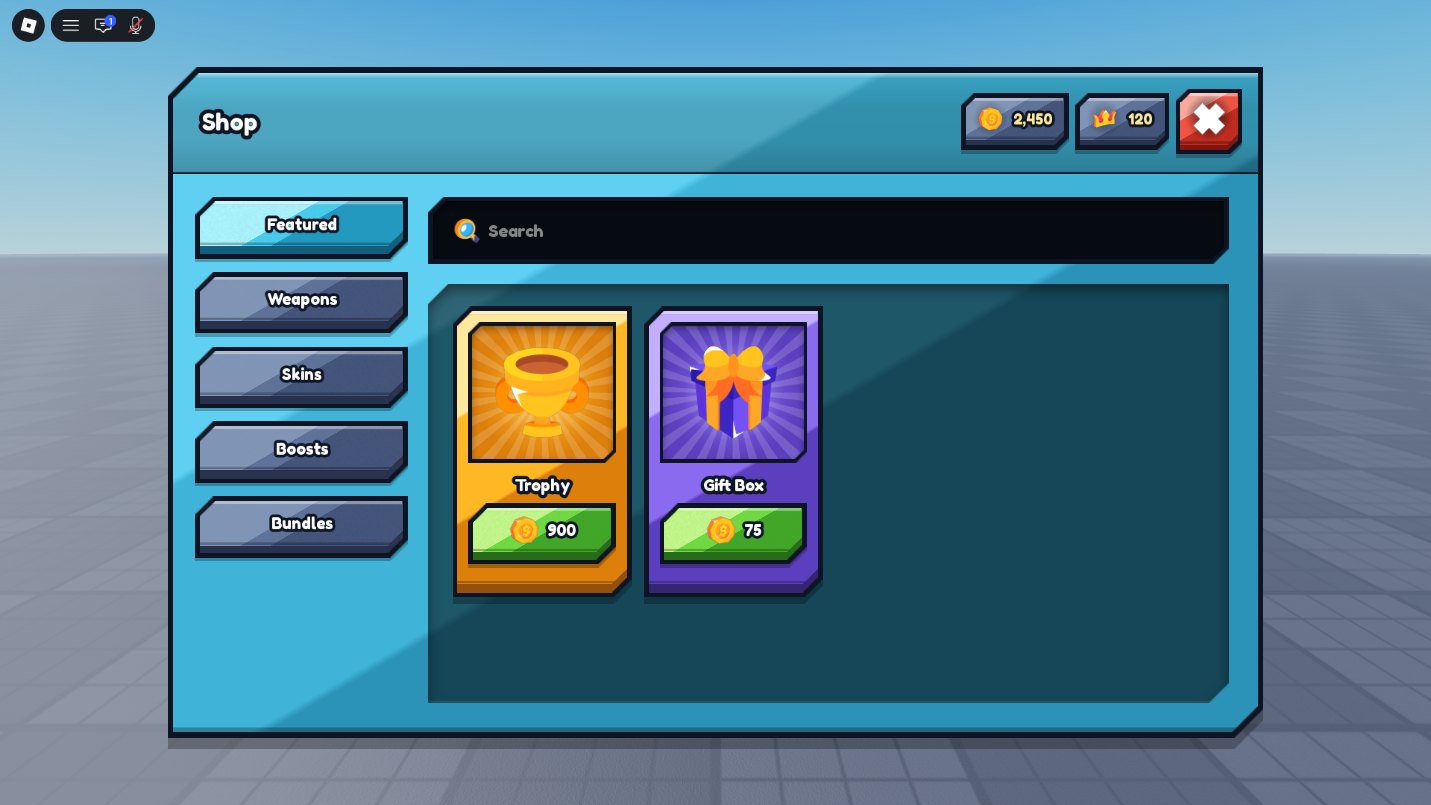
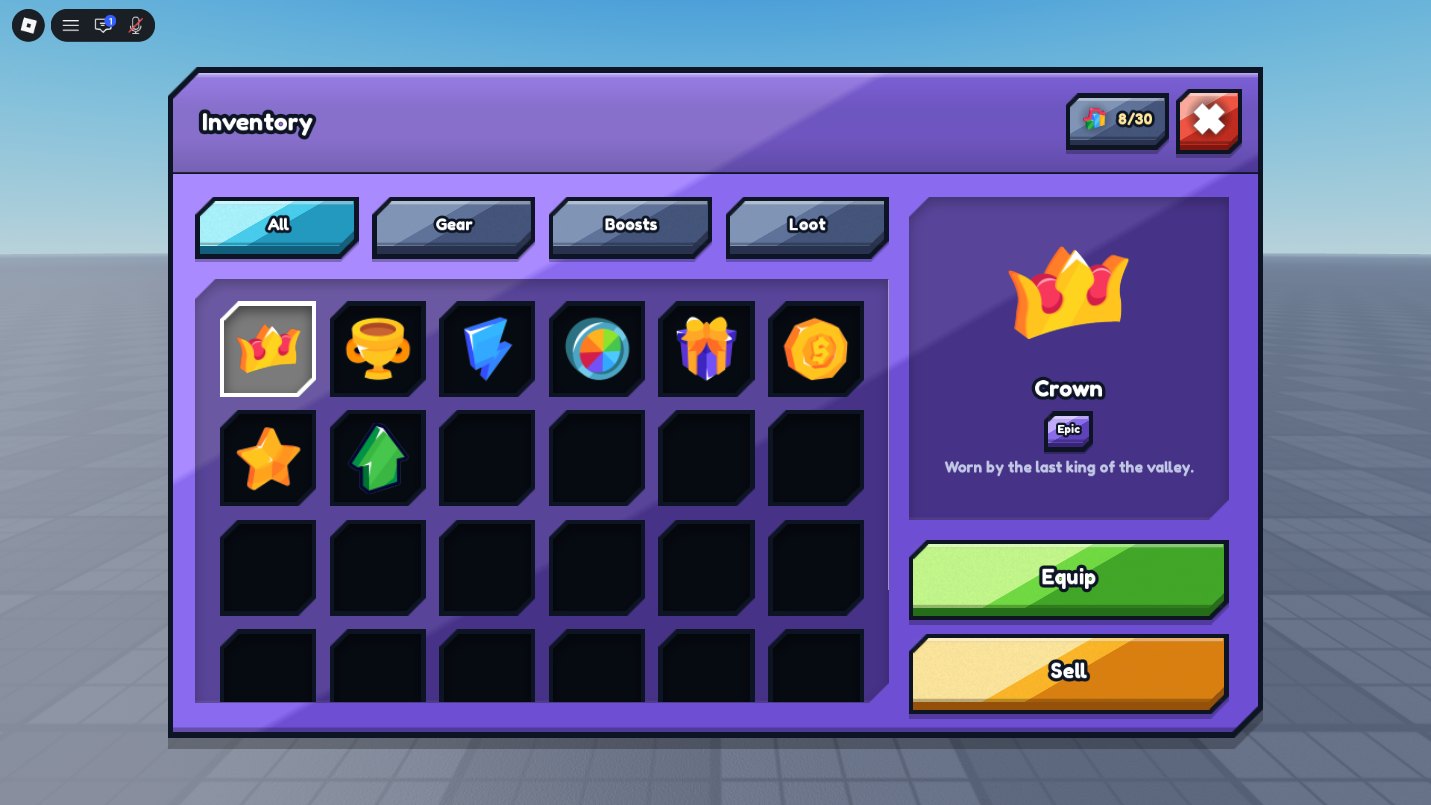
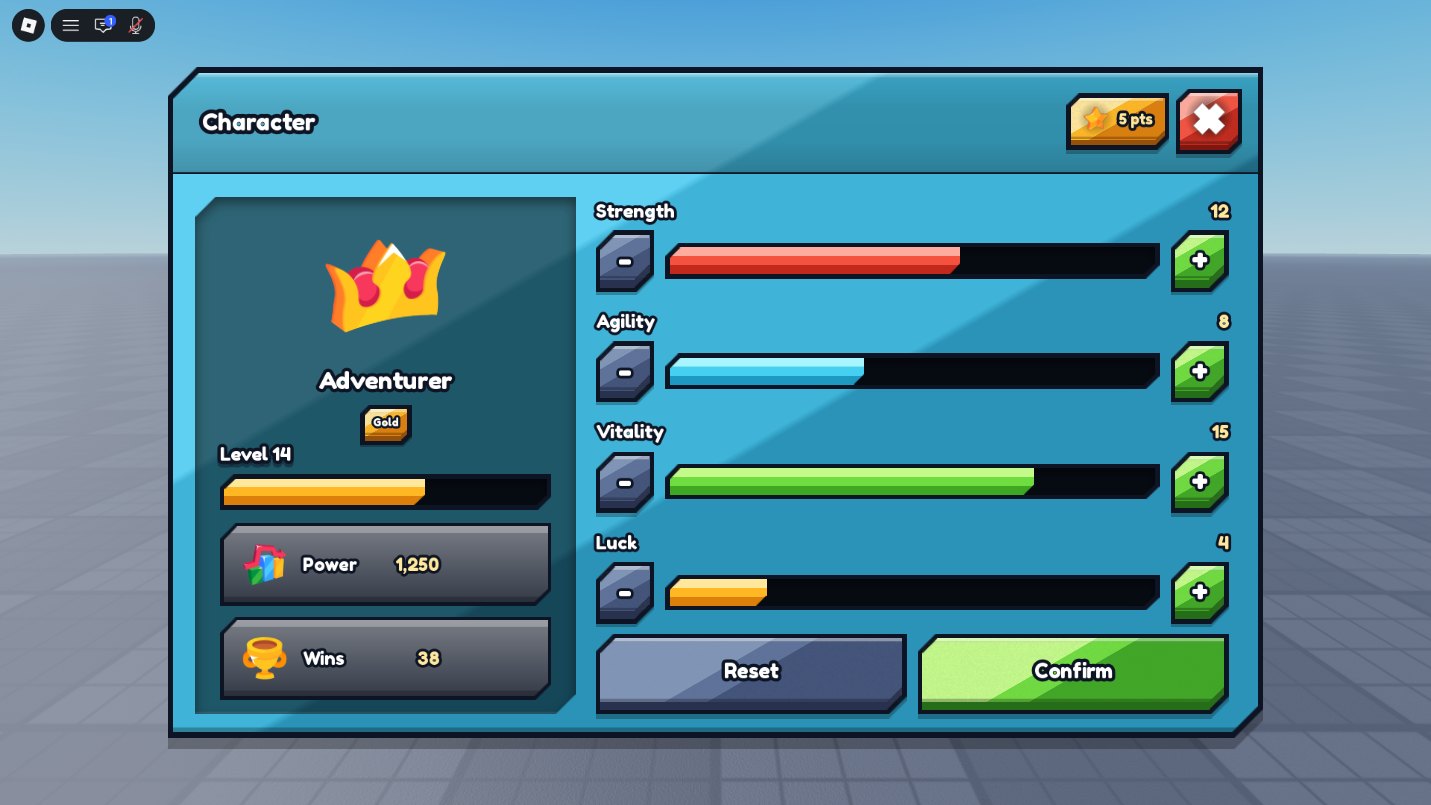
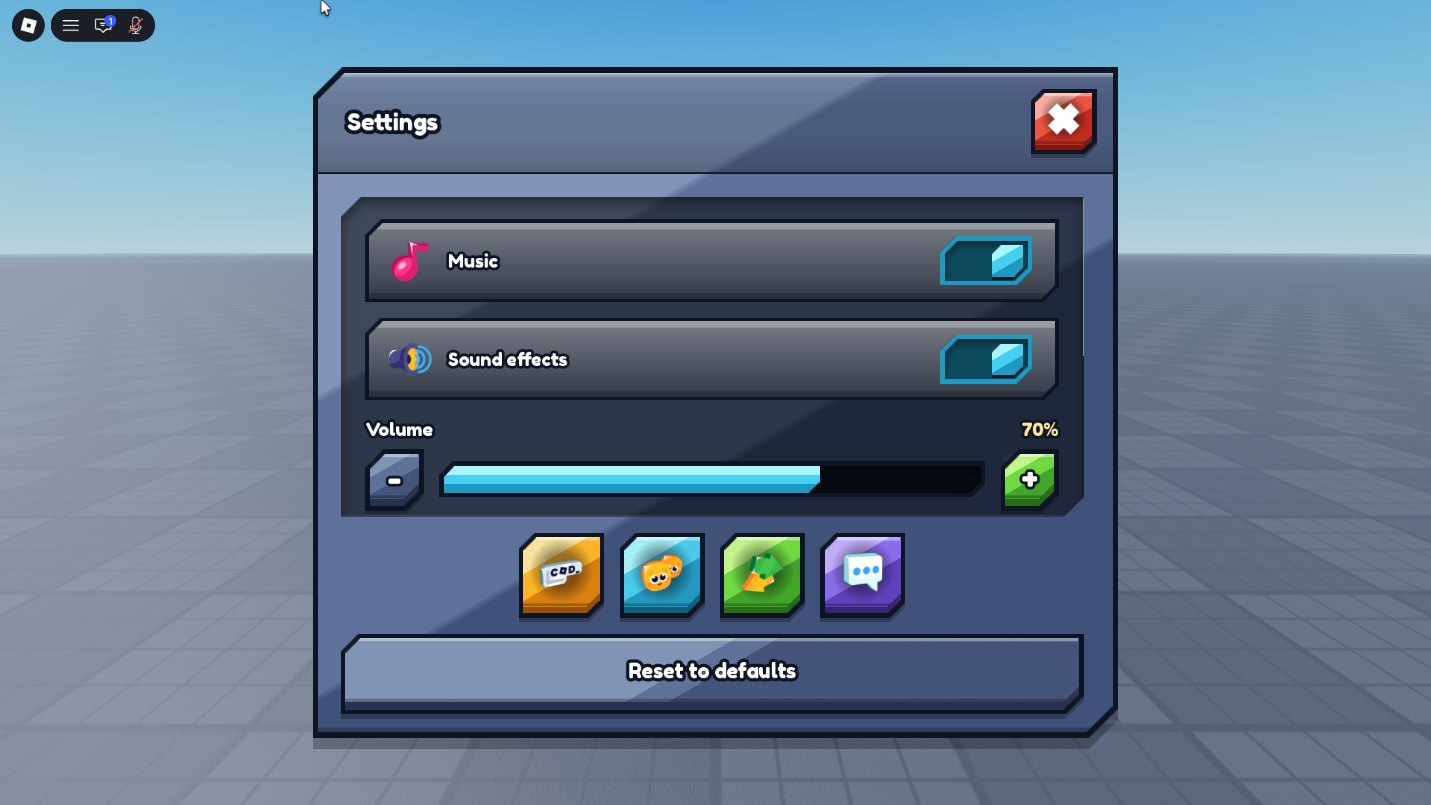
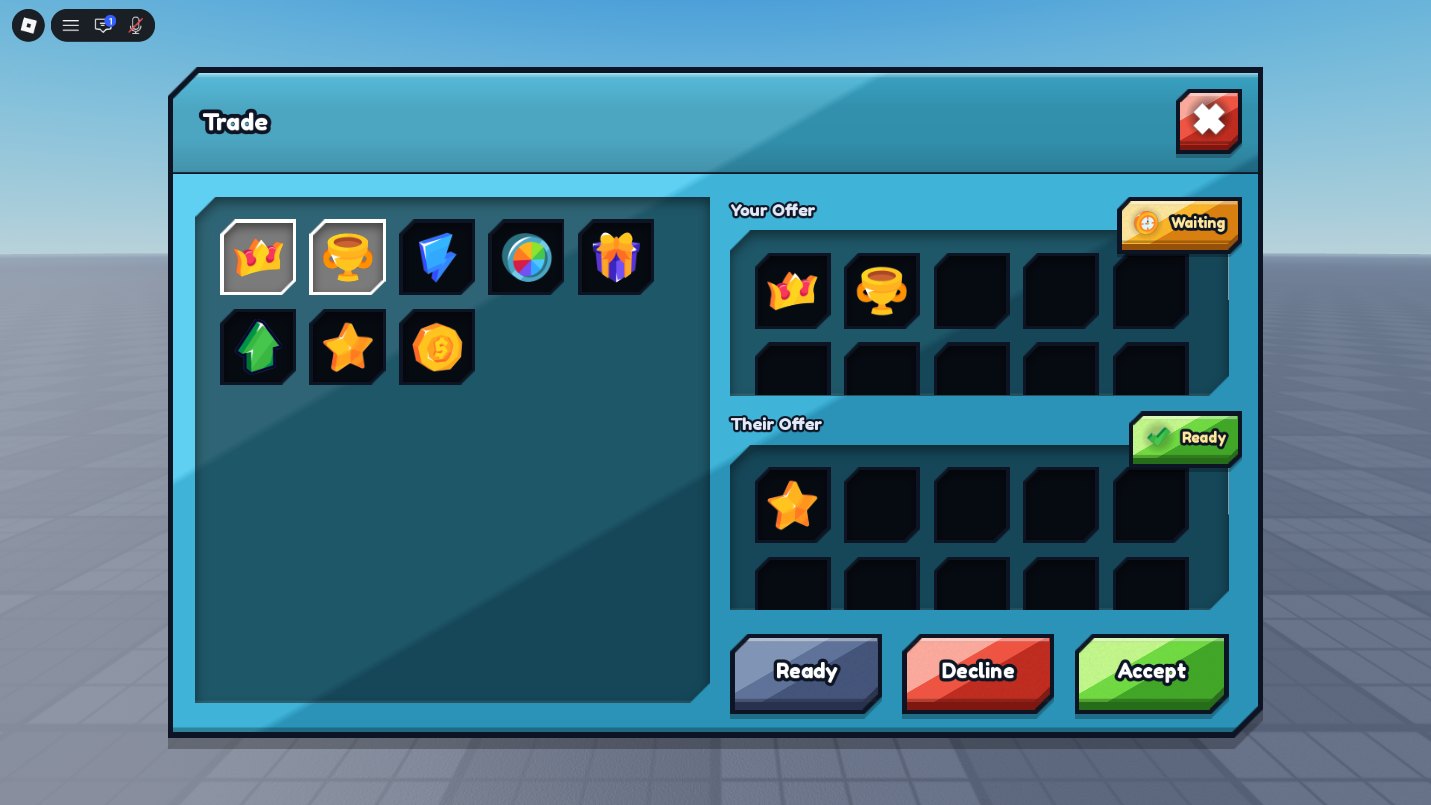
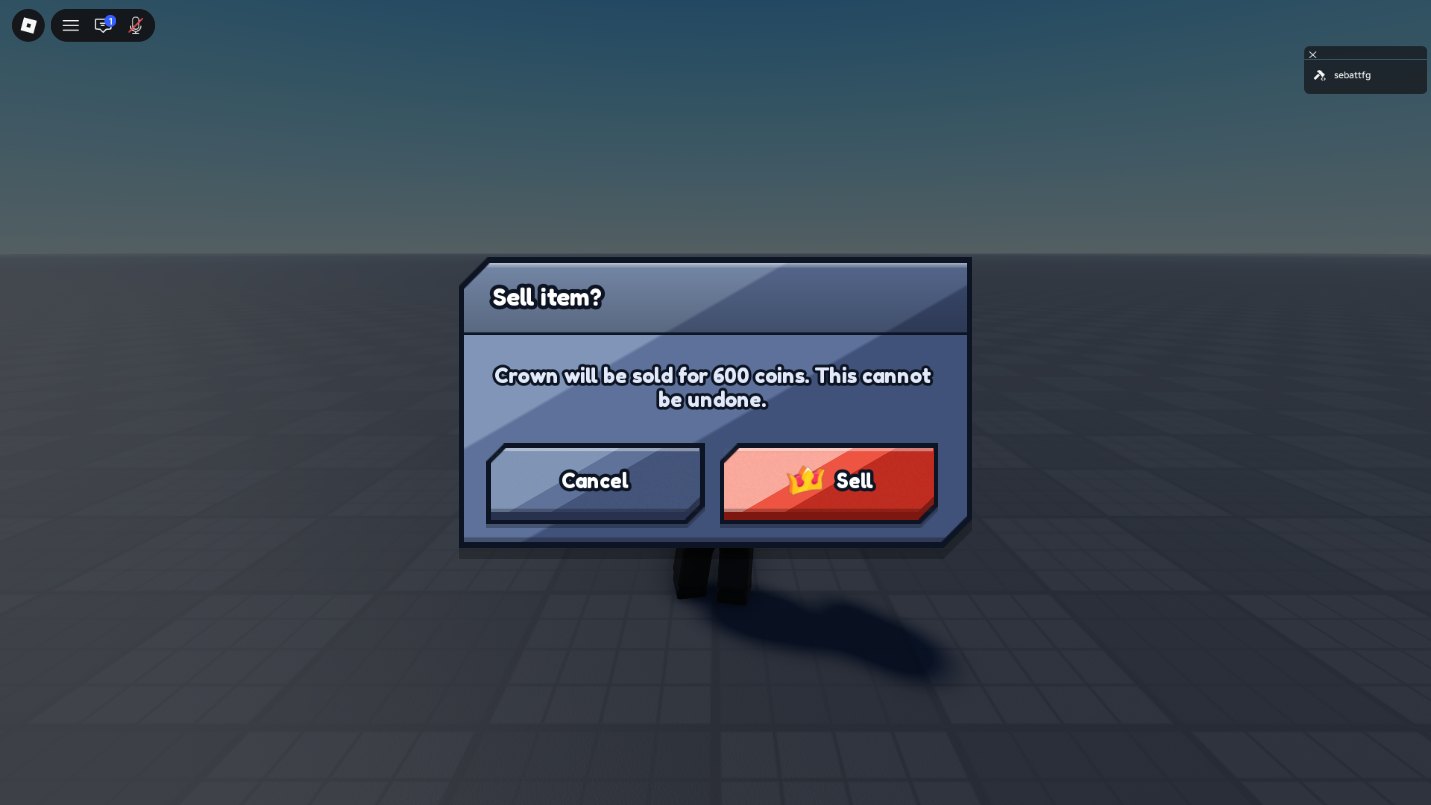
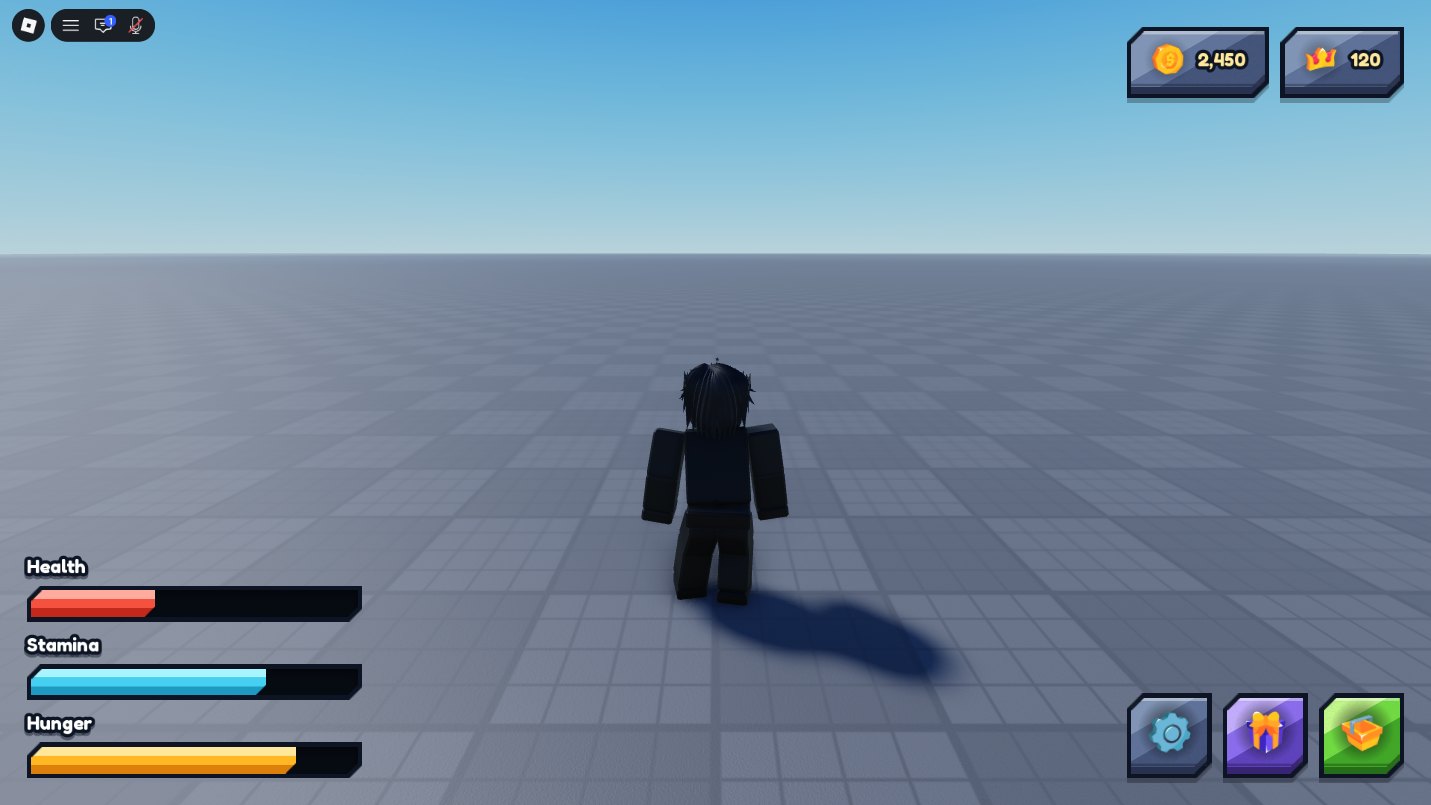
and the parts on their own
The screens are assembled from these. Take them one by one and build a screen nobody else has, in the same style, without drawing anything.
Twelve families, 32 sizes already built, one carved edge and one light across all of them.
get it
The whole pack, no paid tier and no account. The next page shows the install step by step.
Get UI Pack Plus freequestions
Yes. UI Pack Plus is free and there is no paid version, no subscription and no credits. Ads on zerodev.tools are what pays for it. The download asks for no account and no key.
No. UI Pack Plus ships eight screens already assembled. You copy the one you want into StarterGui and change the text. Hover and press animations are wired by a tag on every piece, so a copied screen keeps them without you opening a script.
The General UI Kit by RBLX Essentials is sold on itch.io, listed at $14.99 as of September 2026, and its setup asks you to place a Packages folder in ReplicatedStorage, a GUI in StarterGui and sound files in SoundService. UI Pack Plus is free, and its install is one file dragged into Roblox Studio plus two folders moved into place, ShardUIPack in StarterGui and ShardUI in ReplicatedStorage. The pack opens on a board that spells out those two moves, and a short video covers them as well.
Yes. Every screen in UI Pack Plus is laid out in pixels and a single scale at the root resizes all of it, outlines and 9-slice corners included, so the same screen fits a phone and a monitor.
Yes. UI Pack Plus covers monetised games. The screens you build with it are yours; the license covers the pack itself, not what you make with it. See the license.