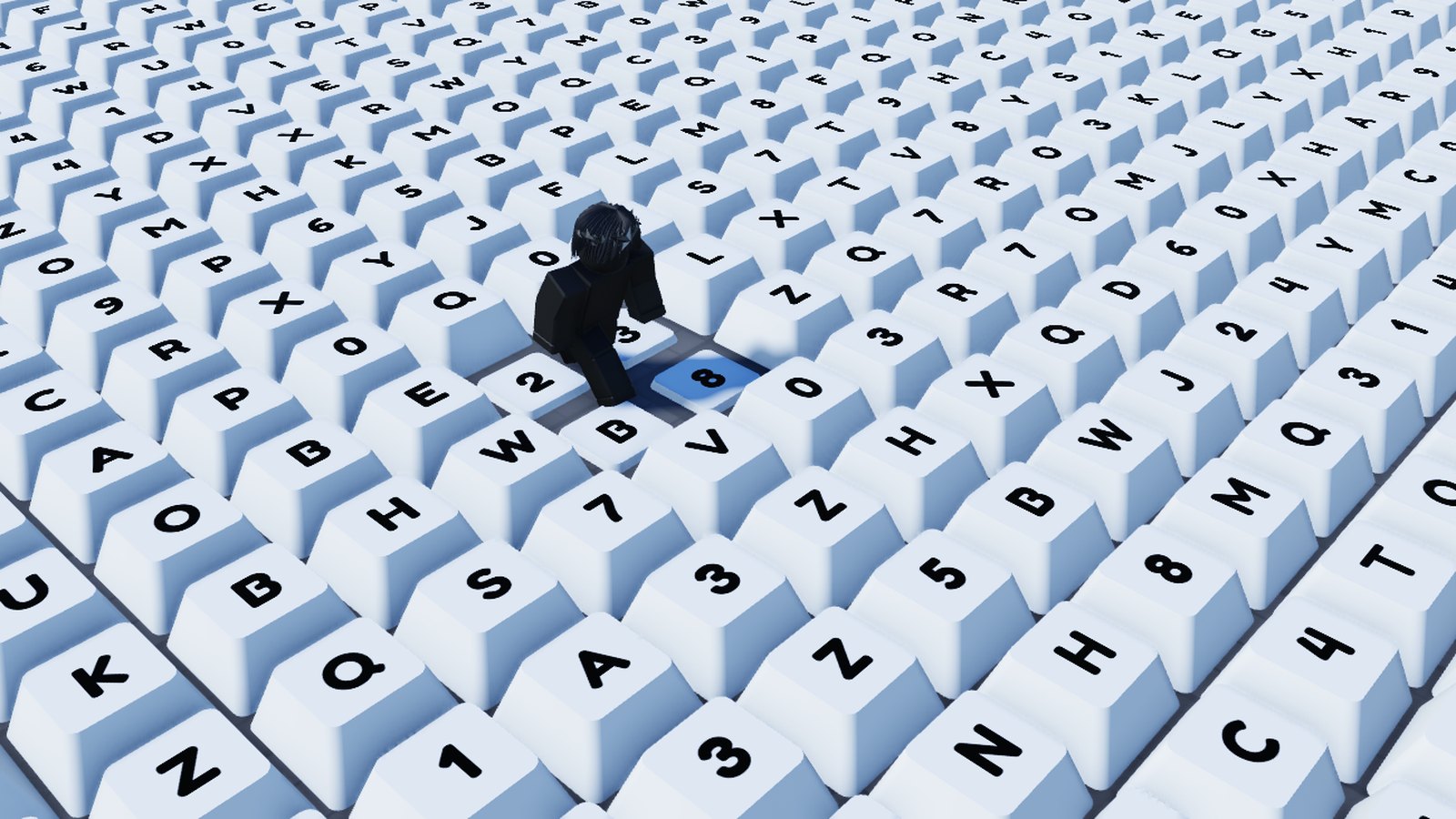
+1 speed keyboard escape
Paint the floor of keys with a brush. Every key presses down, clicks, and pops a +1. No script to write.
the short answer
You can build the keyboard a +1 Speed Keyboard Escape game runs on without writing any code. KeyCapper is a free Roblox Studio plugin that paints working keys onto any surface: step on one in game and it presses down, plays a click, and pops a +1 onto a counter that saves itself. KeyCapper installs everything that makes the keys work, so no scripting is involved at any stage. KeyCapper is available free at zerodev.tools/keycapper.
how it is done
Everything happens inside Roblox Studio.
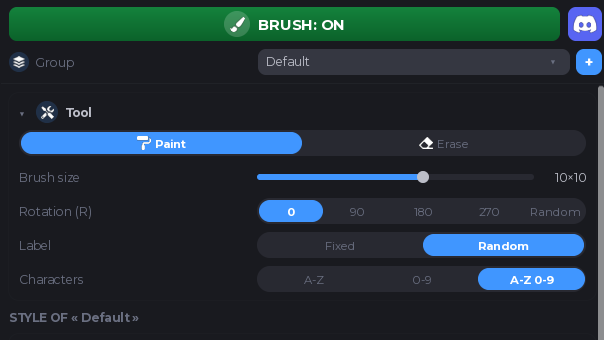
Install the plugin, then open its panel from the Plugins tab in Roblox Studio.
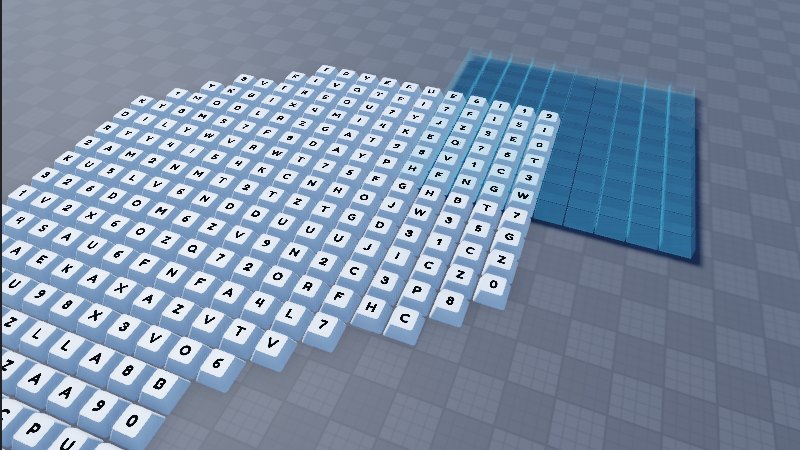
Pick the brush and drag across the floor. The keys land on a grid and follow the surface, even up a slope.
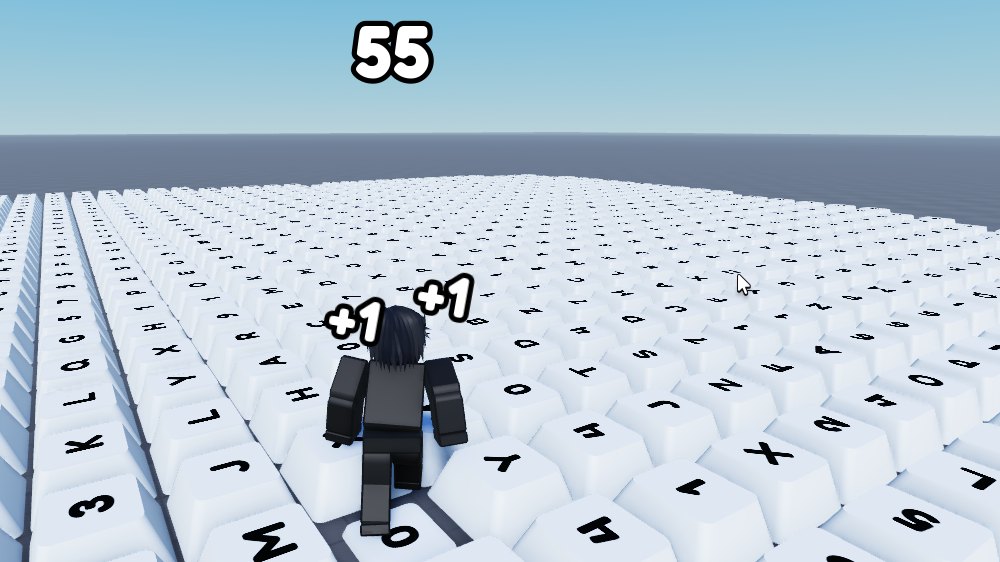
Walk on a key. It presses down, it clicks, the counter goes up. You did not write a line of code.
what you get
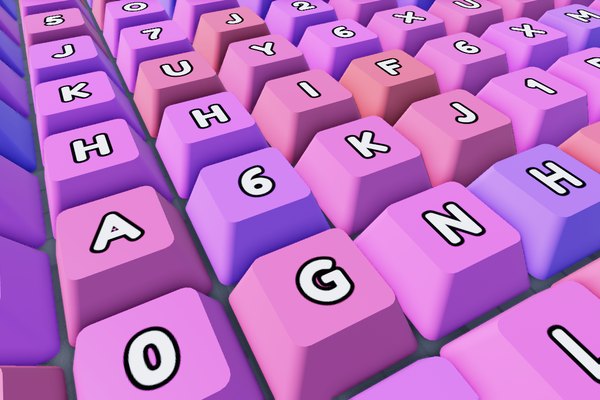
Pastel, gradient or solid colours.
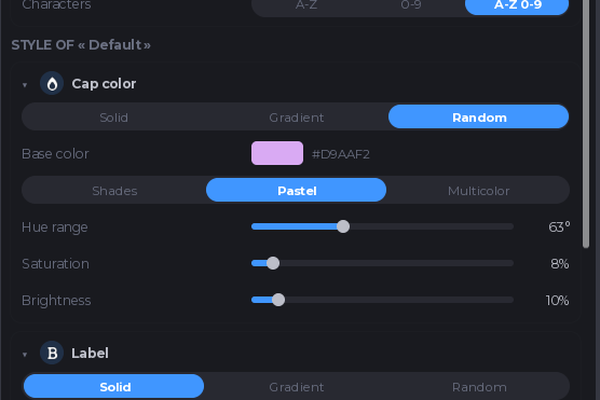
Every setting lives in the panel.
get it
Grab the plugin and follow the setup, shown step by step with a one minute video.
Get KeyCapper freequestions
KeyCapper builds the part those games are made of: the floor of keycaps, the press animation, the click, and the +1 popup on a counter that saves itself. You paint it onto any surface in Roblox Studio and it works as soon as you press play.
No. KeyCapper places the keys and installs everything that makes them work, so the pressing, the sound and the points counter run without a single line of code.
Yes, KeyCapper is free. It is funded by ads on the download page, so there is no subscription and no paid credits.
There is no per-key script in KeyCapper. Every key is data read by one shared runtime, which is what keeps a board of several thousand keys workable.
Yes. KeyCapper can be used in games that earn Robux, and what you build with it is yours. The full terms are on the ZeroDev license page.