Your download has started
UIPackPlus.rbxm is downloading now. Three short steps to put it in your game.
Put it in your game
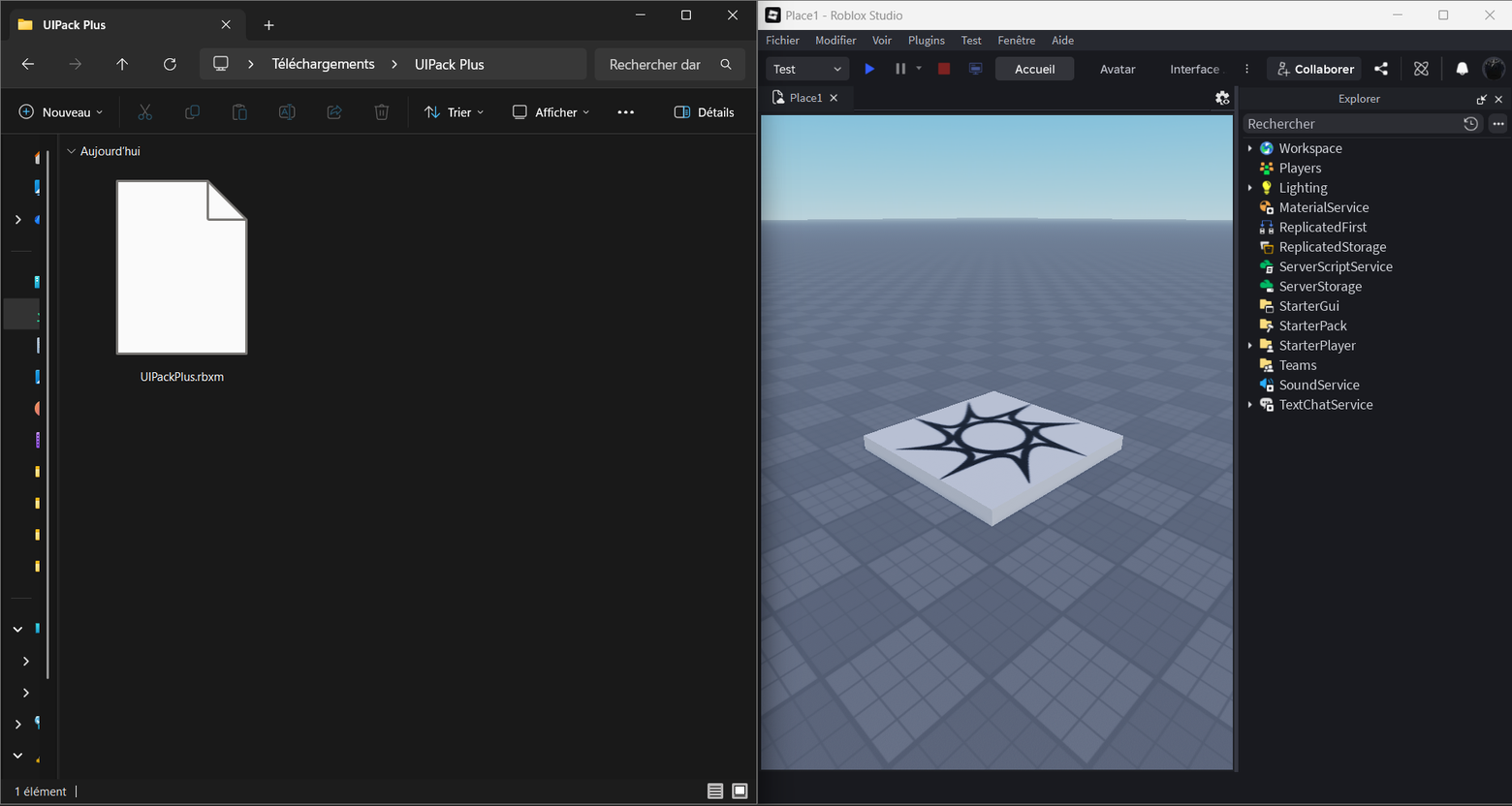
Drag UIPackPlus.rbxm into Studio. It comes in as one folder called UIPack Plus, holding three things: ShardUI, ShardUIPack, and a How to Setup note you can read and delete.
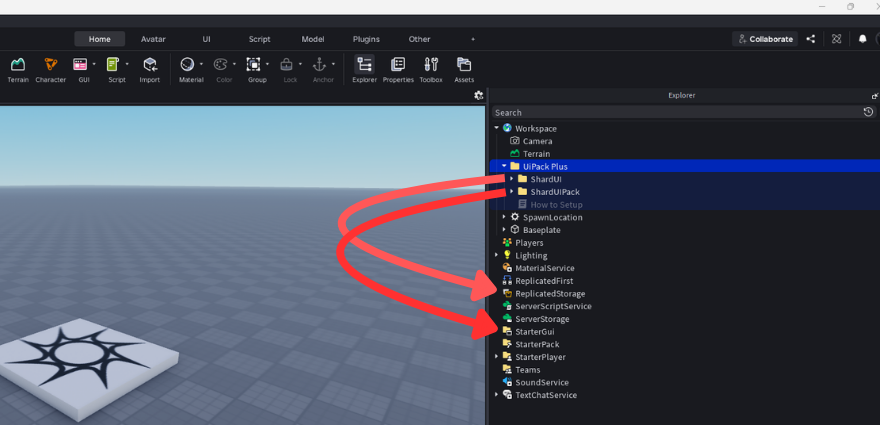
Drag ShardUI into ReplicatedStorage, and ShardUIPack into StarterGui. That is the only step you can get wrong: nothing shows up until both sit in the right place.
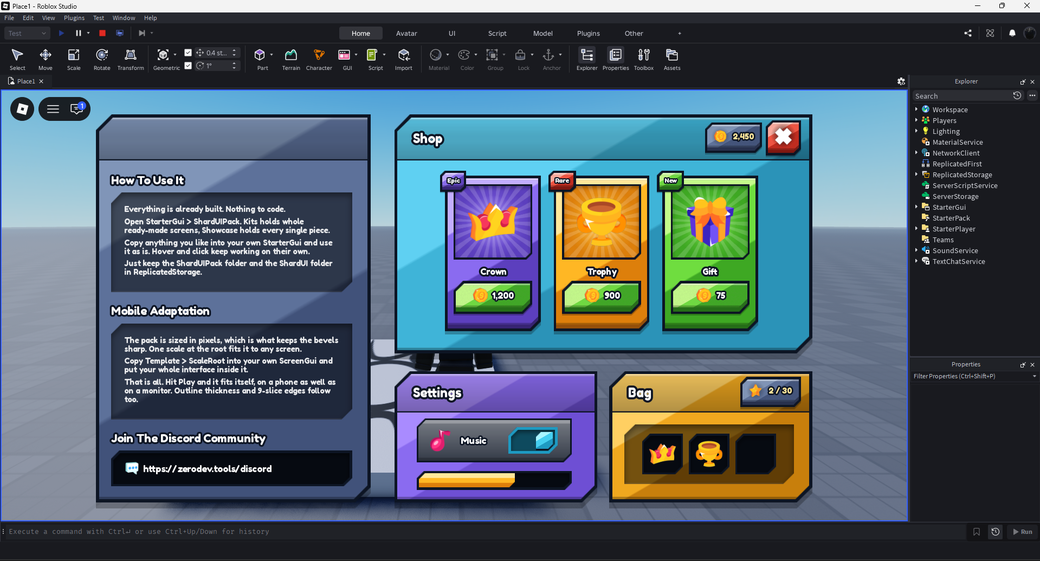
Open ShardUIPack → Kits: eight finished screens, menu, shop, inventory, character sheet, options, trade, a confirm box and a HUD. Copy one into StarterGui and type your own labels and prices over it. Hover and press animations come with it, nothing to script.
One thing to keep: leave both ShardUI and ShardUIPack where you put them. They carry the modules and the script that make the pieces react, so a screen copied out stops animating if either folder is deleted.
Need more help? Join the Discord community.